
How to Use Swap CTC: A Complete Guide

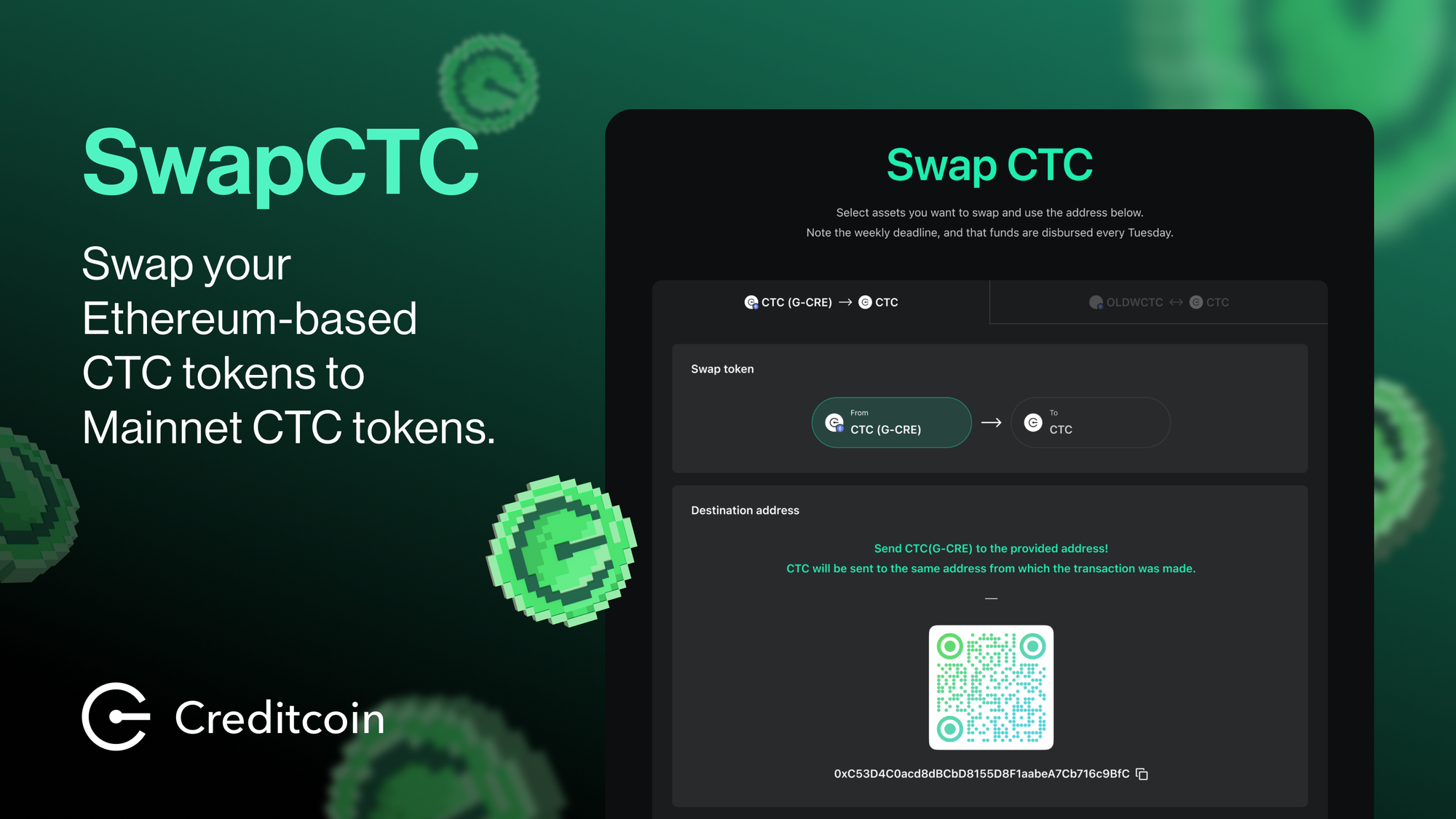
This guide has been updated to reflect changes to Swap CTC. Please note that CTC users can now move assets between Creditcoin, BSC, and Ethereum using the Wormhole Portal Bridge. For more details, go to this guide.
Swap CTC is a manual bridging service that allows users to convert G-CRE or WCTC (old) from Ethereum to CTC on the Creditcoin Network.
This guide covers:
- Step-by-step swap instructions
- Tracking and viewing your CTC
- What to do with CTC after swapping
- Security and transparency info
How to Use SwapCTC
Swap CTC supports one-way bridging routes to Creditcoin Mainnet:
- G-CRE → CTC: Convert G-CRE tokens from Ethereum to CTC on Creditcoin Mainnet
- WCTC (old) → CTC: Migrate WCTC (old) tokens to CTC on Creditcoin Mainnet
Step-by-Step Instructions:
1. Open the Swap CTC Tool
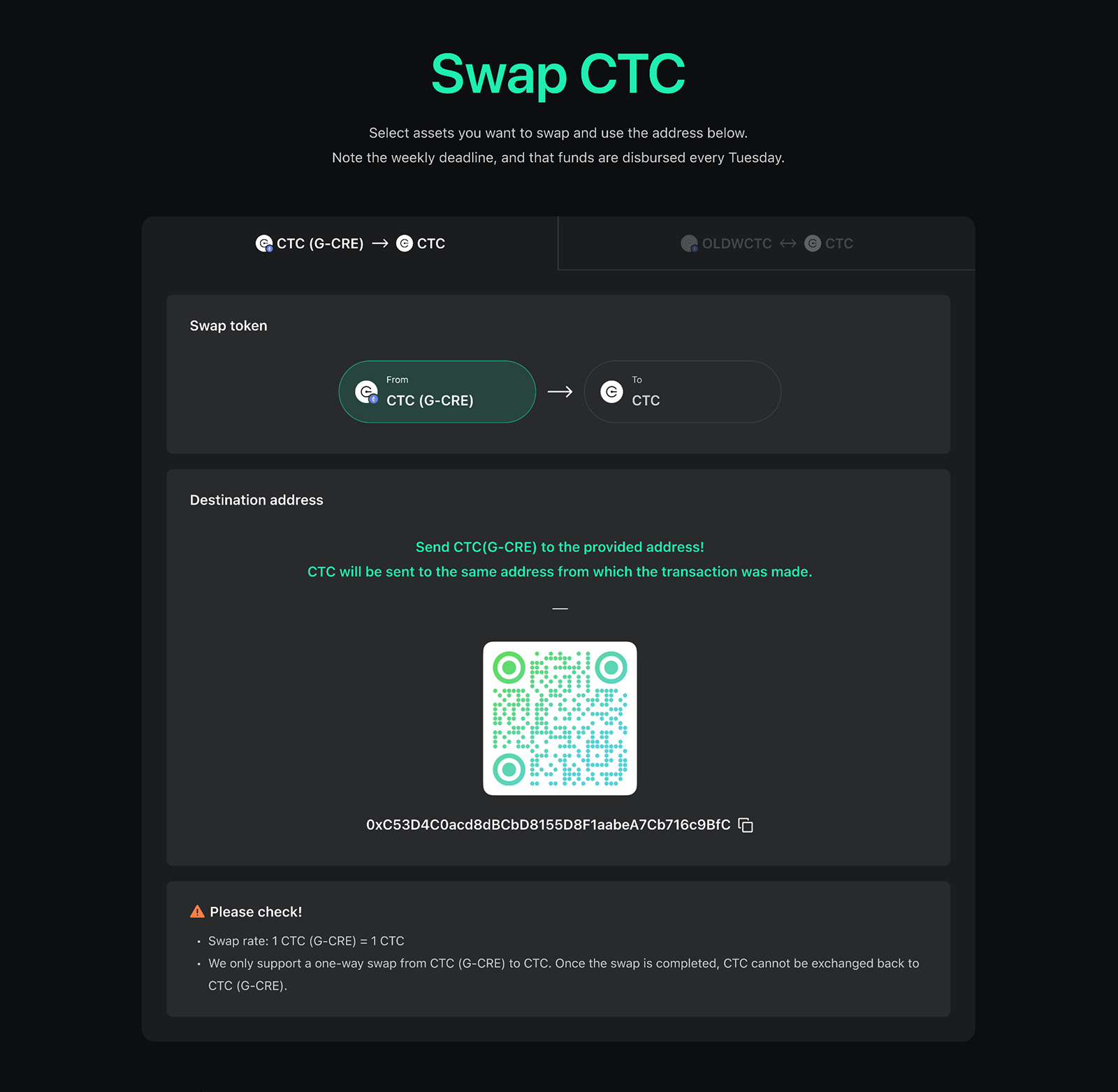
2. Send Tokens to the Bridging Address
Send your G-CRE or WCTC (old) tokens to the official Creditcoin Foundation address. You can either copy and paste the address or scan the QR code in your wallet app for SwapCTC.
Official address: 0x737f5a5B55035f39A6E8a859a815Fd85760625b8
⚠️ Important: Ensure you have enough ETH to cover gas fees.
3. Processing Your Swap
Once your tokens are sent, the Creditcoin Foundation will process your swap request within 1-2 weeks. You will receive CTC at a 1:1 ratio at the same EVM address you used for sending—no additional action required.
4. Track Your CTC:
Once your tokens have been processed, you can check your CTC balance using:
- Credit Wallet: Enter your mnemonic and view your CTC balance.
- Creditcoin Blockscout
- MetaMask: See setup instructions below.
What You Can Do With CTC
Once you receive your CTC on the Creditcoin Network, you can:
- Use it in dApps and DeFi platforms built on Creditcoin
- Trade CTC for other ecosystem tokens on Penguinswap
- Bridge assets via the Wormhole Portal Bridge to Ethereum or BNB.
- Convert CTC to CTC (Native) using Credit Wallet to stake and earn rewards.
Security & Transparency
Verify the Swap Address
If you suspect any unusual activity, verify the official swap address:
- Contact a Creditcoin Discord admin on Discord
- Email: team@creditcoin.org
Public Transparency
For full transparency on swap-related activities, see the official Creditcoin Foundation storage addresses:
- EVM:
0x29Cb375c0BA5Dc475F1a5BCec2d8b87C9DA7B883 - Native:
5DDYL8H9sVhVS3P17TBiPMZVKt4GEc24G37ov4xXykvdBDTs
The Foundation sends an equivalent amount of CTC to your wallet address. Received G-CRE or WCTC (old) tokens are then batch-burned on a regular schedule.
Using MetaMask? Here's How to Add Creditcoin Network
If you prefer to use MetaMask instead of Credit Wallet, you can add the Creditcoin Network manually:
- Network Name: Creditcoin
- RPC URL: https://mainnet3.creditcoin.network
- Chain ID: 102030
- Ticker: CTC
- Block explorer URL: https://creditcoin.blockscout.com/
Once added, you'll be able to view your CTC balance in MetaMask.
For detailed setup instructions, refer to the MetaMask Connection Guide.